How to Track Your Sales Team Performance Using CRM
Learn how to effectively track and improve your sales team’s performance using CRM. Key metrics, reports, dashboards, and practical tips for business owners and sales managers.
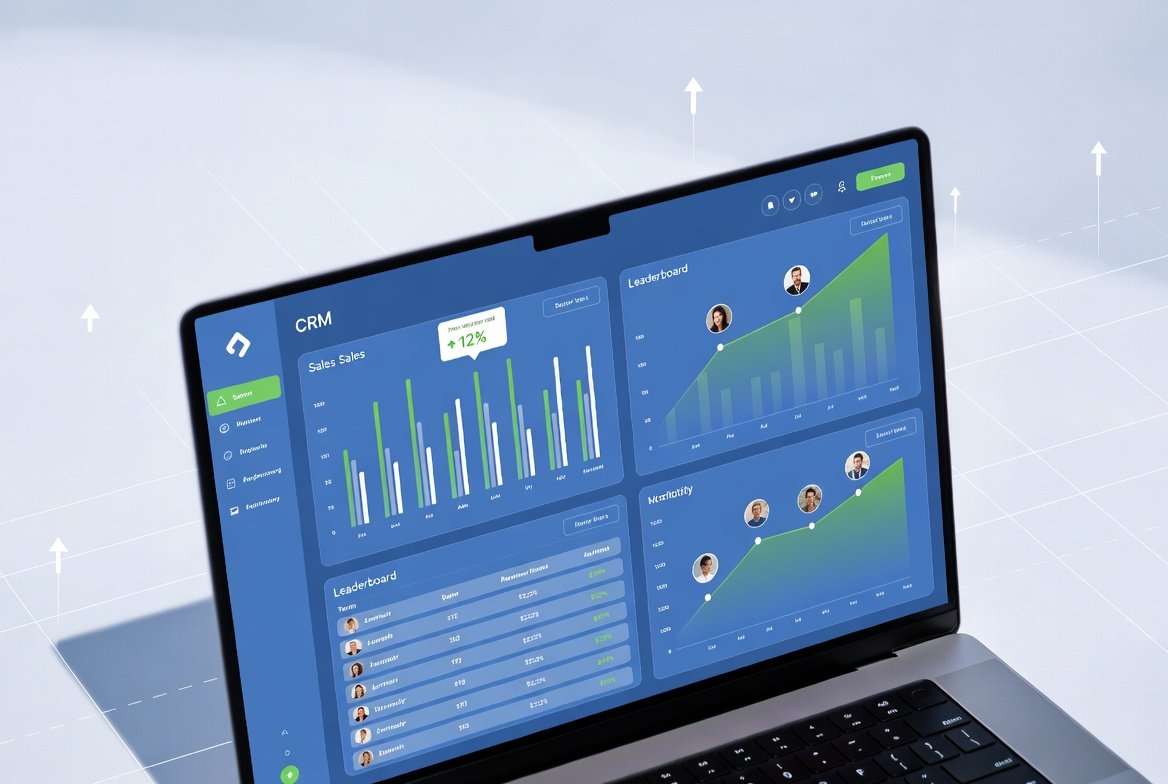
As a business owner or sales manager, knowing how your team is performing is crucial. A good CRM not only stores data but also gives you powerful insights into your sales team’s productivity.
Here’s a complete guide on how to effectively track sales performance using your CRM.
Table of Contents
Important Sales Metrics to Track
- Number of Leads Added
- Response Time
- Follow-up Rate
- Conversion Rate
- Deals Closed
- Average Deal Size
- Team Activity (Calls, Meetings, Tasks)
How to Track Performance in CRM
Modern CRMs like SuperCRM360 allow you to:
- View individual and team dashboards
- Set targets and track progress
- See activity timelines
- Compare performance month-over-month
Best Reports to Check Weekly
- Sales Pipeline Report
- Team Activity Report
- Lead Conversion Report
- Response Time Report
How SuperCRM360 Helps You Track Performance
SuperCRM360 provides simple, easy-to-understand reports and dashboards so you can track your sales team’s performance without getting overwhelmed by complex data.
Final Thoughts
What gets measured gets improved. Start tracking your sales team’s performance regularly using your CRM and you will see noticeable growth in your sales.
Frequently Asked Questions
Recent Posts

14 May, 2026
How to Increase Sales by 40% Using CRM Automation
11 May, 2026
SuperCRM360 - The Simple CRM for Growing Businesses
12 May, 2026
5 Proven Ways to Follow Up Leads Faster
13 May, 2026
How to Reduce Customer Churn with CRM
13 May, 2026
How WhatsApp CRM Can Help You Grow Your Business
15 May, 2026
Top 7 Must-Have CRM Features Every Growing Business Nee...
16 May, 2026
How to Choose the Right CRM for Your Business
18 May, 2026
Common CRM Mistakes Most Businesses Make

19 May, 2026
How to Increase Sales by 40% Using CRM Automation

20 May, 2026
Best CRM for Small Businesses & Startups in India
Ready to grow?
Try SuperCRM360 free for 30 days
No credit card required. Set up in under 5 minutes.
Start Free Trial


©Copyright 2026, All Rights Reserved by SuperCRM 360 is a proprietary SaaS product owned and operated by SuperWebs 360 Web Development & Digi Marketing Agency.