
How to Set Up Your CRM in 30 Minutes
Step-by-step beginner-friendly guide on how to quickly set up your CRM. Perfect for small businesses and startups who want to start using their CRM effectively in under 30 minutes.
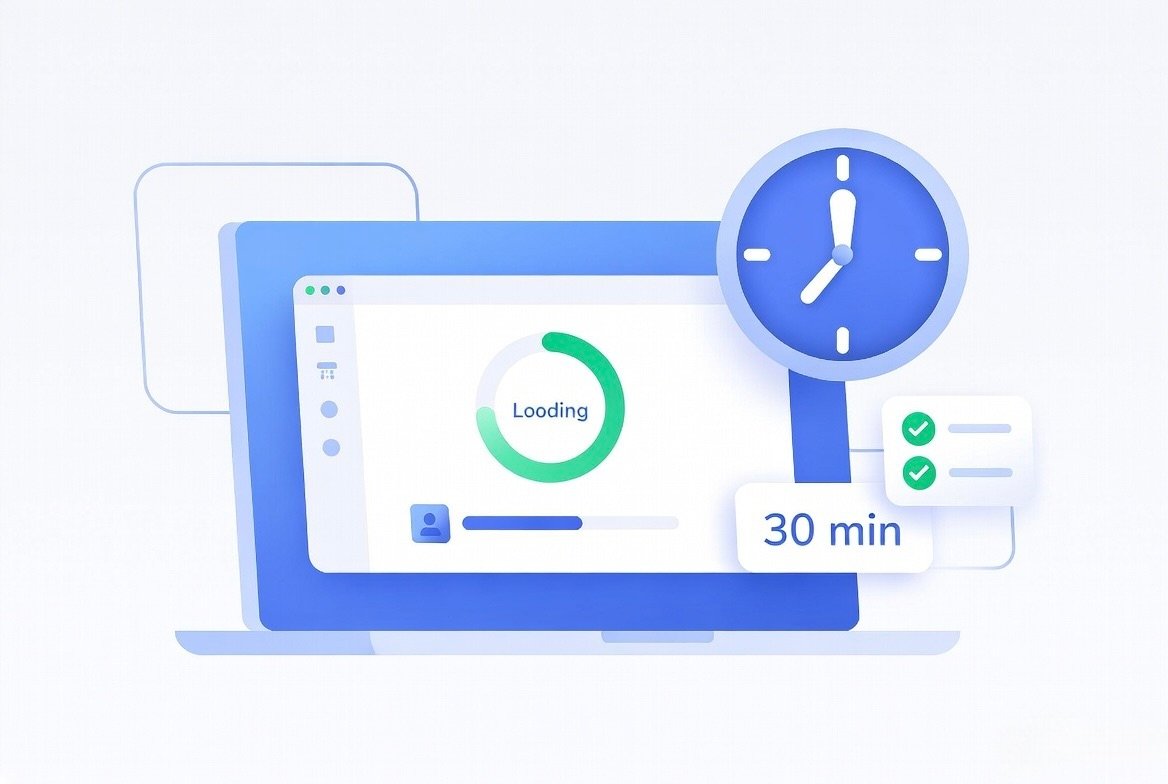
Setting up a new CRM feels overwhelming for many business owners. But it doesn’t have to be complicated. With the right approach, you can set up your CRM properly in just 30 minutes.
Follow this simple step-by-step guide.
Table of Contents
Step 1: Define Your Goals
Before starting, decide what you want to achieve — more sales, better follow-ups, or improved customer service. Clear goals help you set up the CRM correctly.
Step 2: Import Your Contacts
Upload your existing leads and customers from Excel or Google Sheets. SuperCRM360 makes this process very easy and fast.
Step 3: Set Up Your Sales Pipeline
Create simple stages like New Lead, Contacted, Proposal Sent, Negotiation, and Closed. This helps you track every deal visually.
Step 4: Connect WhatsApp
In India, WhatsApp is the most important communication channel. Connect your WhatsApp Business account so all chats are saved inside the CRM.
Step 5: Set Up Basic Automation
Start with simple automations like welcome messages for new leads and task reminders for follow-ups. This saves a lot of time.
Step 6: Train Your Team
Show your team how to use the basic features. Keep training short and practical. Focus on how it helps them close more deals.
Final Words
Don’t overthink the setup. Start simple, use the important features first, and gradually add more as you get comfortable.
Frequently Asked Questions
Recent Posts

14 May, 2026
How to Increase Sales by 40% Using CRM Automation
11 May, 2026
SuperCRM360 - The Simple CRM for Growing Businesses
12 May, 2026
5 Proven Ways to Follow Up Leads Faster
13 May, 2026
How to Reduce Customer Churn with CRM
13 May, 2026
How WhatsApp CRM Can Help You Grow Your Business
15 May, 2026
Top 7 Must-Have CRM Features Every Growing Business Nee...

16 May, 2026
How to Choose the Right CRM for Your Business
18 May, 2026
Common CRM Mistakes Most Businesses Make

19 May, 2026
How to Increase Sales by 40% Using CRM Automation

20 May, 2026
Best CRM for Small Businesses & Startups in India
Ready to grow?
Try SuperCRM360 free for 30 days
No credit card required. Set up in under 5 minutes.
Start Free Trial


©Copyright 2026, All Rights Reserved by SuperCRM 360 is a proprietary SaaS product owned and operated by SuperWebs 360 Web Development & Digi Marketing Agency.