CRM vs Excel: Why Smart Businesses Stopped Using Spreadsheets
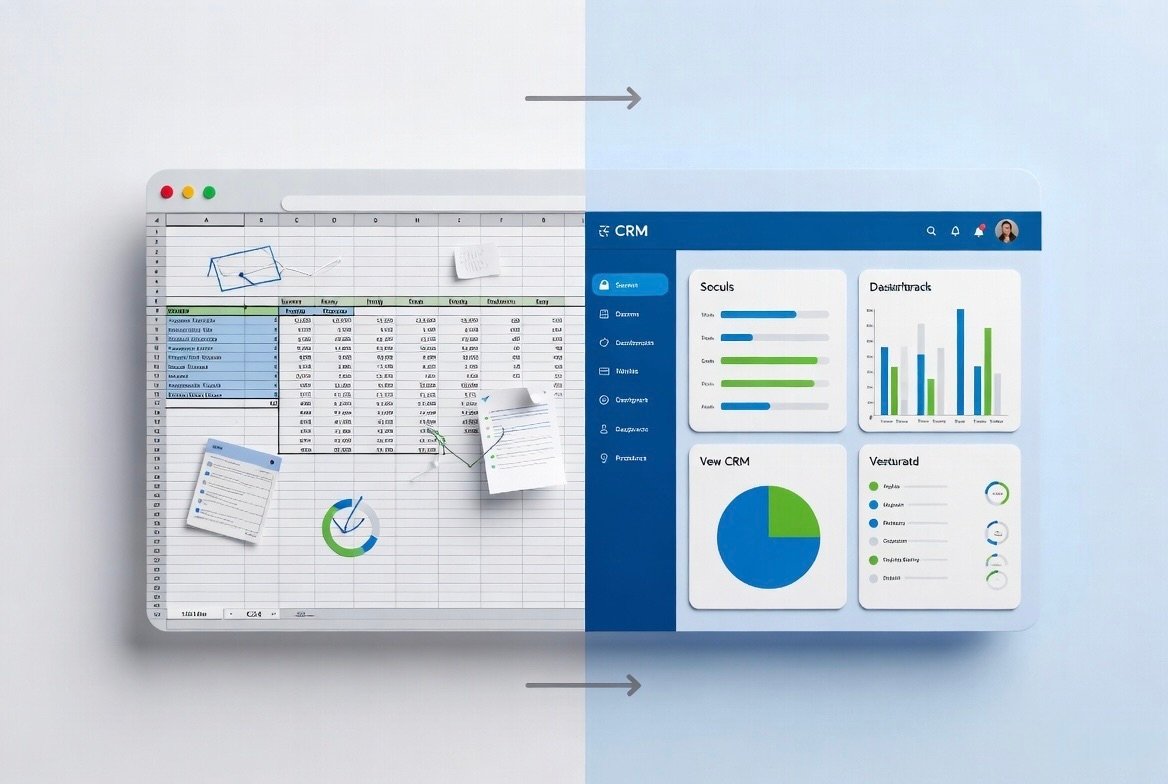
Many small businesses still manage customers, leads, and sales using Excel spreadsheets. While Excel is familiar, it becomes a big problem as your business grows.
Here’s an honest comparison between CRM and Excel, and why forward-thinking businesses are making the switch.
Table of Contents
CRM vs Excel – Head to Head Comparison
- Lead Management: Excel → Manual | CRM → Automatic & Organized
- Follow-ups: Excel → Easy to forget | CRM → Automated reminders
- Team Collaboration: Excel → Very difficult | CRM → Real-time access
- Mobile Access: Excel → Limited | CRM → Full mobile app
- Reports: Excel → Time-consuming | CRM → Instant & visual
- WhatsApp Integration: Excel → Not possible | CRM → Seamless
Big Problems with Using Excel
- Data gets duplicated or lost easily
- No automation for follow-ups
- Difficult to track team performance
- No proper customer history
- High chance of human error
- Not secure for growing teams
Major Benefits of Using a CRM
- All customer data in one secure place
- Automatic follow-up reminders
- Better team coordination
- Instant reports and insights
- WhatsApp & email integration
- Scales easily as your business grows
When Should You Switch from Excel to CRM?
You should consider switching when:
- You have more than 100–150 leads
- You have 2 or more team members
- You are missing follow-ups regularly
- You need better reporting
- You want to grow faster
Final Verdict
Excel was useful when you were starting. But if you want to grow faster, work smarter, and look more professional, it’s time to move to a proper CRM.
Frequently Asked Questions
Recent Posts
14 May, 2026
How to Increase Sales by 40% Using CRM Automation
11 May, 2026
SuperCRM360 - The Simple CRM for Growing Businesses
12 May, 2026
5 Proven Ways to Follow Up Leads Faster
13 May, 2026
How to Reduce Customer Churn with CRM
13 May, 2026
How WhatsApp CRM Can Help You Grow Your Business
15 May, 2026
Top 7 Must-Have CRM Features Every Growing Business Nee...
16 May, 2026
How to Choose the Right CRM for Your Business
18 May, 2026
Common CRM Mistakes Most Businesses Make

19 May, 2026
How to Increase Sales by 40% Using CRM Automation

20 May, 2026
Best CRM for Small Businesses & Startups in India
Ready to grow?
Try SuperCRM360 free for 30 days
No credit card required. Set up in under 5 minutes.
Start Free Trial


©Copyright 2026, All Rights Reserved by SuperCRM 360 is a proprietary SaaS product owned and operated by SuperWebs 360 Web Development & Digi Marketing Agency.